

IPTV UK 2027: Live TV, Sports, Fire TV & Subscription Guide
IPTV UK 2027: Live TV, Sports, Fire TV & Subscription Guide
Updated 7 November 2026 for viewers planning their 2027 setup. Looking for IPTV in the UK? The best choice is not necessarily the service advertising the largest channel count. It is the one that gives you access to the television you actually watch, on your device, with clear viewing rights, understandable costs and reliable support. This guide compares the practical routes British households can take, including free broadcaster apps, established pay-TV streaming and third-party IPTV subscriptions.
Quick answer for UK viewers
For free public-service TV, check Freely on a supported television and the official broadcaster apps. For paid sport or entertainment, start with the rights-holding broadcaster or recognised platform. Before choosing another IPTV subscription, verify UK channel rights, TV Licence requirements, the exact Fire TV/Smart TV app, a trial and the complete renewal cost. No provider can responsibly guarantee every channel or sports event for all of 2027.
What does IPTV mean in the UK?
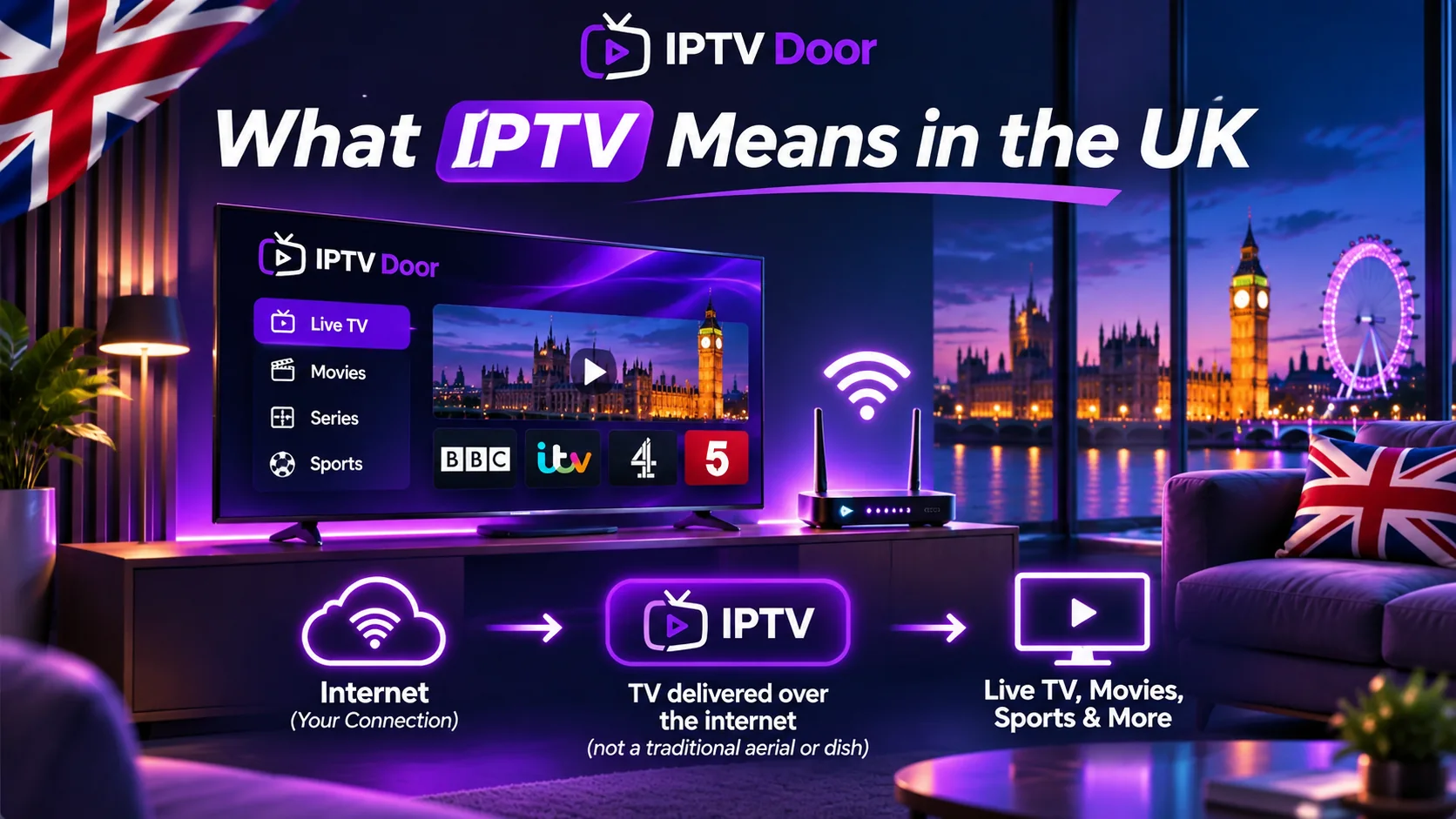
IPTV simply means television delivered using internet protocol rather than only a traditional aerial, cable or satellite signal. That describes legitimate managed TV platforms as well as streaming services and independent IPTV players. IPTV technology is not inherently unlawful, but permission to distribute each TV channel, film or match is a separate issue. A player application does not automatically grant access rights.
UK viewers should distinguish three things: the platform (for example, a smart TV or streaming device), the player (the app that displays channels) and the content subscription (the provider that is authorised to supply programming). Keeping those separate makes misleading “all channels included” offers easier to spot.
UK live TV options to compare before subscribing
| Viewing goal | Practical starting point | Check before paying |
|---|---|---|
| Free UK live and catch-up TV | Freely on compatible equipment; BBC iPlayer, ITVX, Channel 4, 5 and relevant regional broadcaster apps | Device support, live-channel coverage, regional variations and TV Licence obligations |
| Sky entertainment or flexible premium access | Sky Stream or NOW, subject to current UK packages | Contract term, full monthly price after offers, app/device and add-on availability |
| Live football, racing or other sports | Official UK rights-holders and their authorised streaming apps | The specific competition, live rights, blackout/location terms and season dates |
| International or multilingual TV | Licensed regional broadcasters or IPTV distributors that can document channel rights | UK availability, subtitles, EPG, customer service and whether the exact channels work |
Freely describes itself as a free, internet-delivered live and on-demand TV experience on compatible hardware. Its broadcaster partners include the BBC, ITV, Channel 4 and Channel 5. Compatibility is not universal for every older TV or streaming stick. See Freely’s official overview and current channel list.
UK TV Licence rules: what IPTV customers need to know

In the UK, the TV Licence rules are about what you watch, not which app or box you use. TV Licensing says you need to be covered if you watch or record live television on any TV or streaming service, or use BBC iPlayer. This can apply when watching through a smart TV, a Fire TV Stick, a phone or a laptop. Many other on-demand programmes do not require a TV Licence if you never watch live TV or use BBC iPlayer. Check your own circumstances directly with TV Licensing; a subscription fee and a TV Licence are different things.
Sports in the UK: avoid an expensive assumption

A channel name is not proof that a particular match will be available. UK sports rights can differ by sport, competition, season, platform and location. Build a list of the actual events you want: a named football league, a specific cup competition, Formula 1, cricket, boxing or another sport. Check the competition’s official broadcaster information and the rights-holder’s subscription terms before purchasing. “Every match”, “all PPV forever” and permanently guaranteed 4K are warning signs without written evidence.
For a channel-discovery reference, use the IPTV Door UK & Ireland channel guide. It is a regional directory, not a live inventory or guarantee of rights. Request confirmation of must-have channels before committing to any plan.
Firestick and Smart TV compatibility for 2027

Do not assume every Firestick can install the same app. Amazon uses different systems across Fire TV generations. Some older models run Android-based Fire OS; newer models such as the Fire TV Stick 4K Select use Vega OS. An Android APK intended for Fire OS is not automatically compatible with a Vega OS device. Amazon’s Fire TV OS reference is a better starting point than an unofficial downloader tutorial.
- Check the model and OS in your Fire TV device settings, or look up your exact smart TV model.
- Search the device’s official app store for the intended player; confirm it runs in your region.
- Ask the provider which authenticated login method it supports. Do not share credentials with unknown apps or websites.
- Test live channels, subtitles, the electronic programme guide (EPG) and remote-control navigation.
- Try evening peak viewing, and compare Wi-Fi with Ethernet when your equipment supports it.

Use our Fire OS vs Vega OS guide for a deeper compatibility check, or follow the device-by-device setup tutorials.
How to evaluate an IPTV UK subscription in 20 minutes

Make a small scorecard rather than paying for an annual deal immediately. Give equal attention to rights and transparency, actual channel needs, your device, evening playback, support and billing. If a trial is available, use the following procedure.
- Channel test: write down 5–10 must-have channels; confirm their authorised availability in the UK, then open each on your main device.
- Playback test: try news and entertainment streams at different times; a smooth demonstration at noon proves little about evening performance.
- Picture and sound: distinguish genuine resolution from a stream simply labelled “4K”; check audio sync and subtitles.
- Home network: test on the Wi-Fi or wired connection you use every day; avoid judging only on a mobile hotspot.
- Household needs: count simultaneous screens. Two installed apps do not necessarily mean two simultaneous connections.
- Billing and support: read the renewal rate, cancellation/refund conditions and support response before payment.
The IPTV free trial checklist, internet speed guide and simultaneous connections guide explain each check in more detail.
Common UK IPTV problems and how to isolate them

If the picture buffers, first test a different authorised stream and another app. Restart the router and TV, check whether other people are saturating the connection, and move from crowded Wi-Fi to Ethernet if possible. If one channel fails but others work, record the channel and time for support. If everything fails, recheck your internet connection and whether the account is active. Repeatedly changing DNS or using random APK downloads can hide the underlying problem and create security risks.

See the buffering troubleshooting guide for a step-by-step diagnostic path.
Frequently asked questions
Is IPTV legal in the UK in 2027?
IPTV is a delivery technology. Legal access depends on having the appropriate rights to distribute and view the programming. The latest regulations and channel rights should be checked at the time of use.
Can I watch UK IPTV without a TV Licence?
Not when you watch live TV or use BBC iPlayer under the current UK rules. Some other on-demand viewing may not require one. Check TV Licensing for the full criteria.
Does any IPTV app include channels automatically?
No. Many player apps provide an interface, while channel access comes from a separate authorised provider or broadcaster.
What is the best IPTV service for UK football?
There is no honest single answer for every competition. Identify the sport and event, verify its current UK rights-holder, then compare the official viewing plans available for that competition.
Should I choose a yearly subscription straight away?
For a new provider, start with a short authorised trial or a flexible term where available. Check the renewal, refund, channel rights and device compatibility first.
Next step for a UK household
First make your channel list, then compare devices and confirm UK rights. To see how IPTV Door organises its regional listings, visit the channel directory. If you want to check an exact channel or device before choosing a plan, contact IPTV Door support. You can also compare subscription terms, but do not assume a particular UK channel or match is included until it has been confirmed.
Editorial note: Prepared from publicly available platform guidance and the IPTV Door documentation as of 7 November 2026. This is a forward-looking 2027 planning guide, not a claim that all 2027 rights, prices or device catalogs have already been announced. No independent provider performance benchmark is claimed.
